Calendar App for Travel
Organize your trips, flights, and itineraries in one place


Organize your trips, flights, and itineraries in one place
A calendar app for travel keeps your entire trip organized. From flight times to hotel check-ins to activity schedules, having everything in one place reduces stress and ensures you never miss important dates.
Add flight times with confirmation numbers and gate information.
Track hotel reservations with addresses and confirmation details.
Schedule tours, restaurants, and attractions with reminders.
Access your itinerary anywhere - no internet needed.
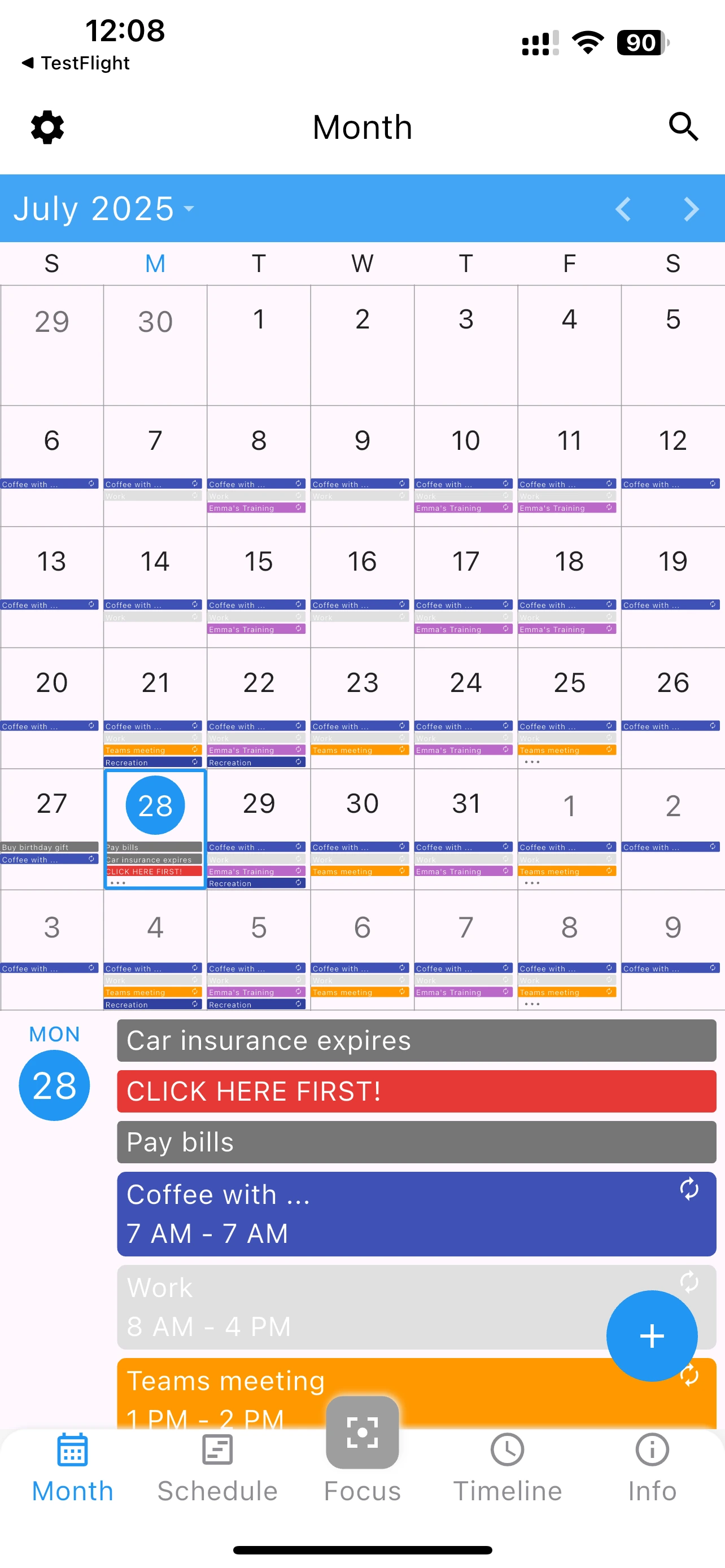
A calendar app for travel needs to be reliable and accessible anywhere. 365 Calendar provides:
Add main trip dates as all-day events. Color code each trip uniquely.
Create flight and transfer events with times, confirmation numbers, and gate information.
Add hotel check-ins and check-outs with address details and confirmation numbers.
Schedule tours, restaurants, and attractions with reservation times and addresses.
Configure reminders for check-in times, activity start times, and travel departures.
Organize your trips - works offline, completely free
Yes, completely. All your calendar data is stored locally. Access it anywhere without internet connection.
Use different colors for each trip. You can quickly identify which events belong to which vacation.
Export your calendar and share the file. Others can import it into their copy of 365 Calendar.