Calendar App with Widget
Check your schedule instantly from your home screen


Check your schedule instantly from your home screen
A calendar app with widget gives you quick access to your schedule without opening the full app. See your events, tasks, and reminders at a glance from your home screen.
View your schedule instantly without opening the app.
Choose widget size and display options that work for you.
Widget automatically updates with your latest events.
Widgets for iOS and Android home screens.
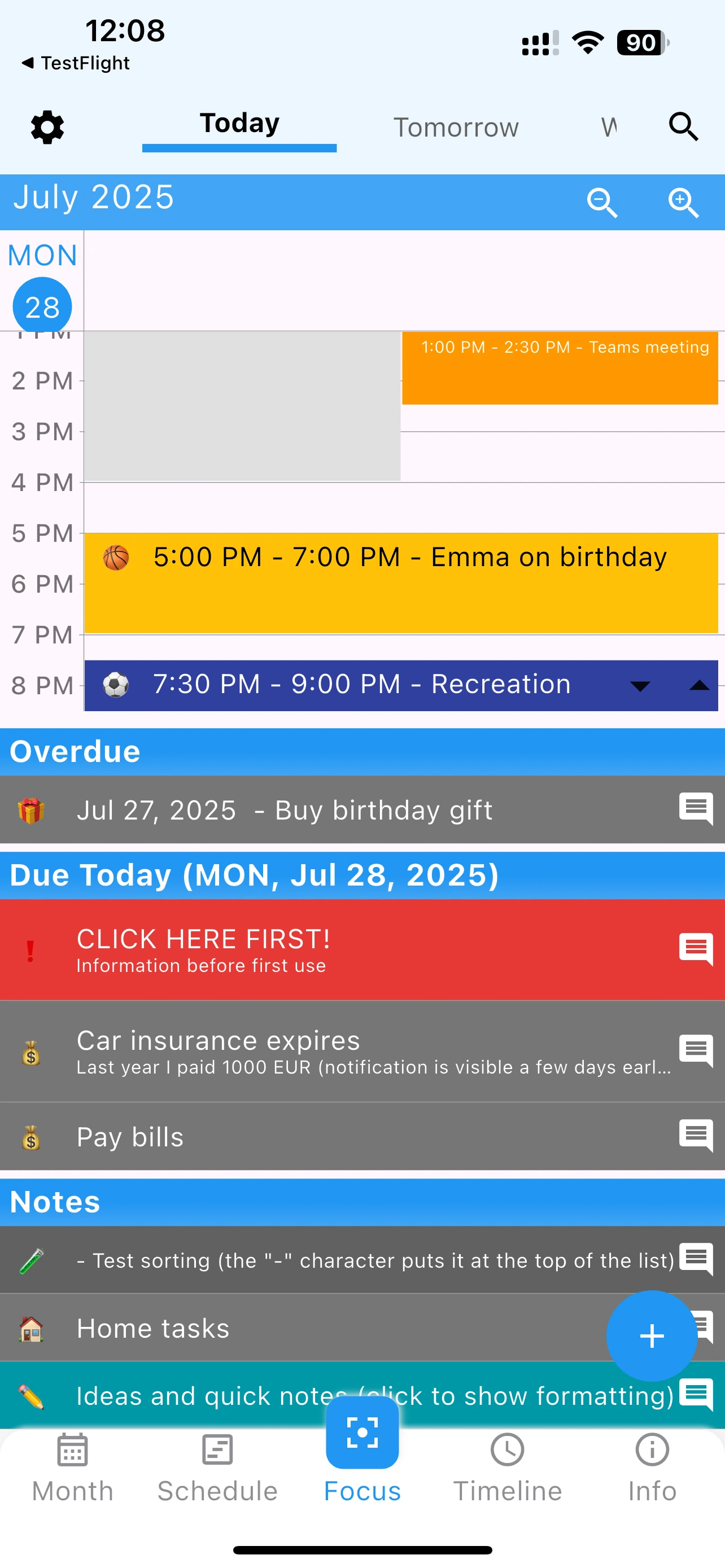
A calendar app with widget functionality should provide multiple widget options. 365 Calendar delivers:
Get quick calendar access with customizable home screen widgets
Yes, widgets automatically refresh with your calendar changes throughout the day.
Absolutely. Add different widget sizes or types to different home screens.
Yes, 365 Calendar provides native widgets for both iOS home screen and Android home screen.