🍎 iOS Optimized
Offline Calendar App for iPhone
The best calendar app that works completely offline on your iPhone, iPad, and all iOS devices

The best calendar app that works completely offline on your iPhone, iPad, and all iOS devices
iPhone users deserve a calendar app that works reliably without constant internet connectivity. Whether you're on an international flight, in a remote location, traveling abroad without data roaming, or simply want to preserve your battery life, an offline calendar app for iPhone ensures your schedule is always accessible.
Unlike cloud-dependent calendars like Apple Calendar that sync with iCloud, or Google Calendar that requires internet for most functions, a true offline calendar app for iPhone stores all data locally on your iOS device. This means faster performance, better privacy, and zero dependency on network connectivity.
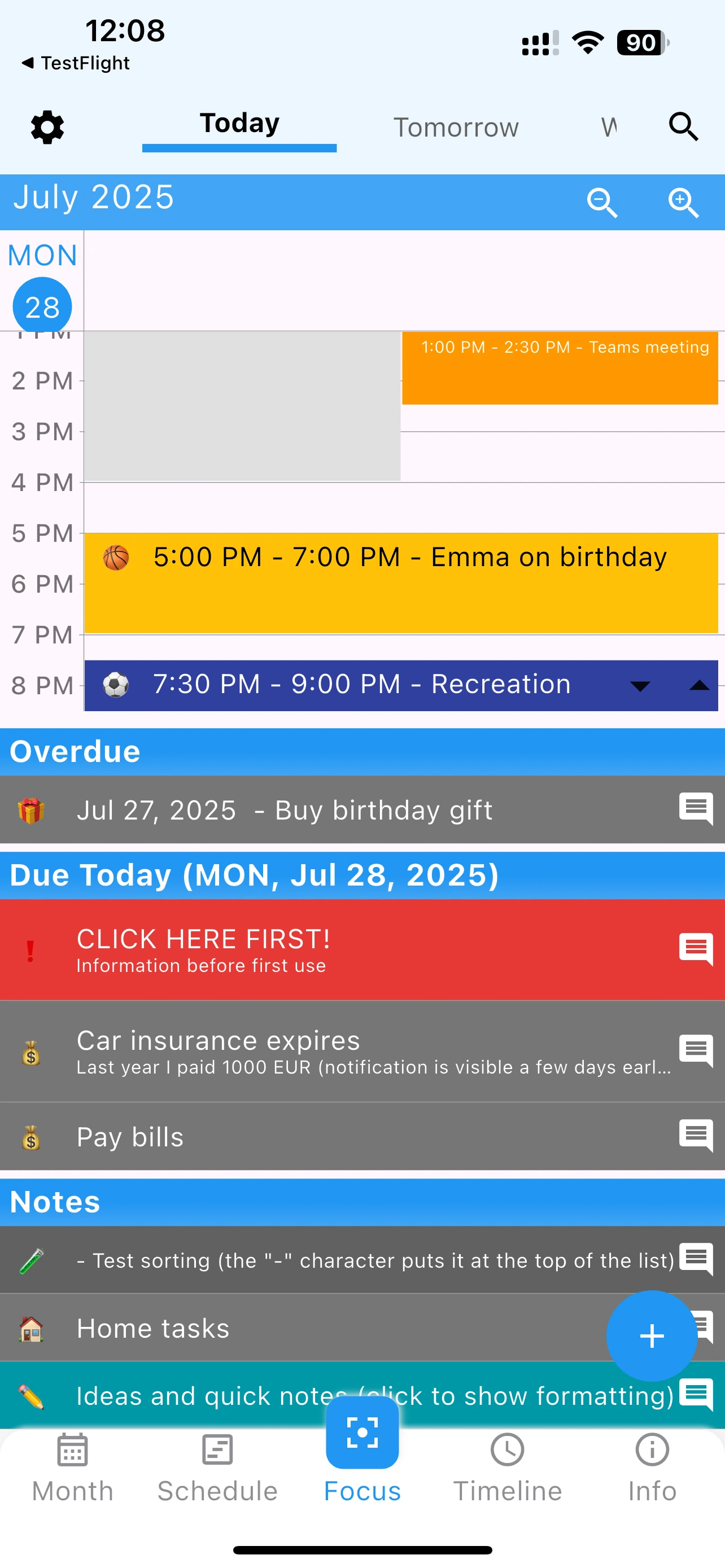
Built specifically for iPhone with iOS design guidelines. Feels like a native Apple app.
Rich notifications with quick actions. Snooze or complete tasks from notification center.
Beautiful home screen and lock screen widgets. See your schedule without opening the app.
Perfect integration with iOS Dark Mode. Easy on the eyes, especially at night.
Optional biometric security for privacy. Quick and secure access to your calendar.
Complete functionality without internet. Perfect offline calendar app for iPhone users.
This offline calendar app is optimized for the entire iOS ecosystem
iPhone 15, 14, 13, 12, 11, X, SE - All models
Optimized for ProMotion 120Hz displays
iPad Pro, Air, mini - Larger screen layouts
Even older iOS devices supported
Requires iOS 14.0 or later
Install 365 Calendar & Tasks from the official Apple App Store. Small download size, quick installation, optimized for iOS.
No Apple ID account required for the app itself. Works immediately offline on your iPhone. All data stored locally for privacy.
Create calendar events, tasks, and notes. Everything stored securely on your iPhone using iOS's native storage.
Add iOS widgets to home screen and lock screen. Enable Face ID protection. Choose between light and dark modes. Make it perfect for your iPhone experience.
When you have WiFi, optionally back up your data to iCloud. But daily use works 100% offline without any Apple account required.
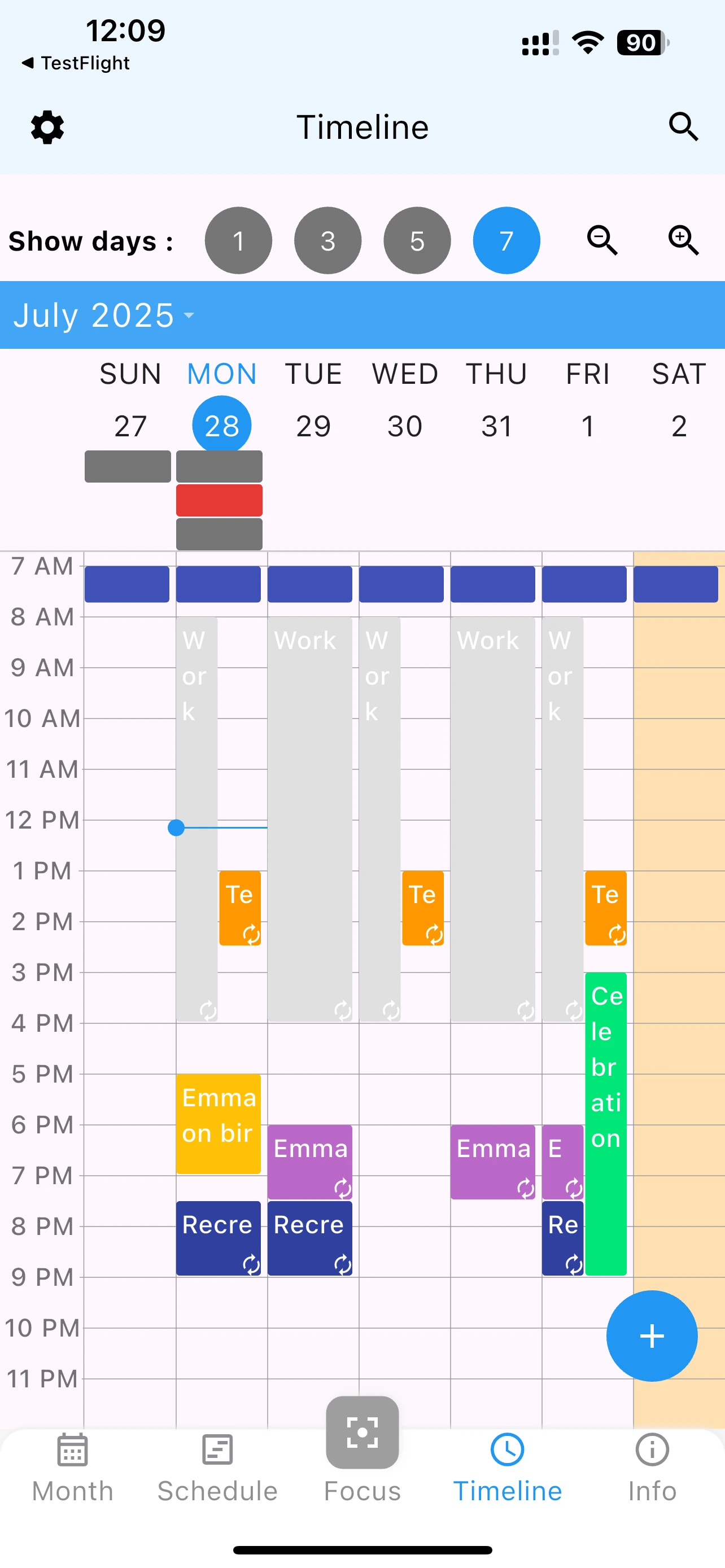
| Feature | 365 Calendar | Apple Calendar | Google Calendar | Fantastical |
|---|---|---|---|---|
| Works Fully Offline | ✓ | Limited | ✗ | ✓ |
| iOS Widgets | ✓ | ✓ | ✓ | ✓ |
| Task Manager Included | ✓ | ✗ | ✗ | ✓ |
| No Ads | ✓ | ✓ | ✓ | ✓ |
| 100% Free | ✓ | ✓ | ✓ | $40/year |
| No Apple ID Required | ✓ | ✗ | ✗ | ✗ |
| Face ID Support | ✓ | ✗ | ✗ | ✓ |
| All iPhone Models | ✓ | ✓ | ✓ | ✓ |
Verdict: 365 Calendar & Tasks is the best offline calendar app for iPhone because it combines complete offline functionality with task management, requires no Apple ID, and is completely free - unlike Fantastical which costs $40/year.
Free, no ads, works perfectly offline on all iOS devices
Traveling abroad with your iPhone? Avoid expensive data roaming charges. This offline calendar app for iPhone works perfectly in airplane mode, letting you manage your travel itinerary without connectivity.
Working in locations with poor cell reception? Your calendar doesn't stop working when the signal drops. Everything syncs when you're back online, but functions fully offline.
Concerned about Apple or Google seeing your calendar data? This offline calendar stores everything locally on your iPhone. No cloud requirements, no data shared with servers.
Constant cloud syncing drains iPhone battery. This offline calendar uses minimal power since it doesn't constantly connect to servers.
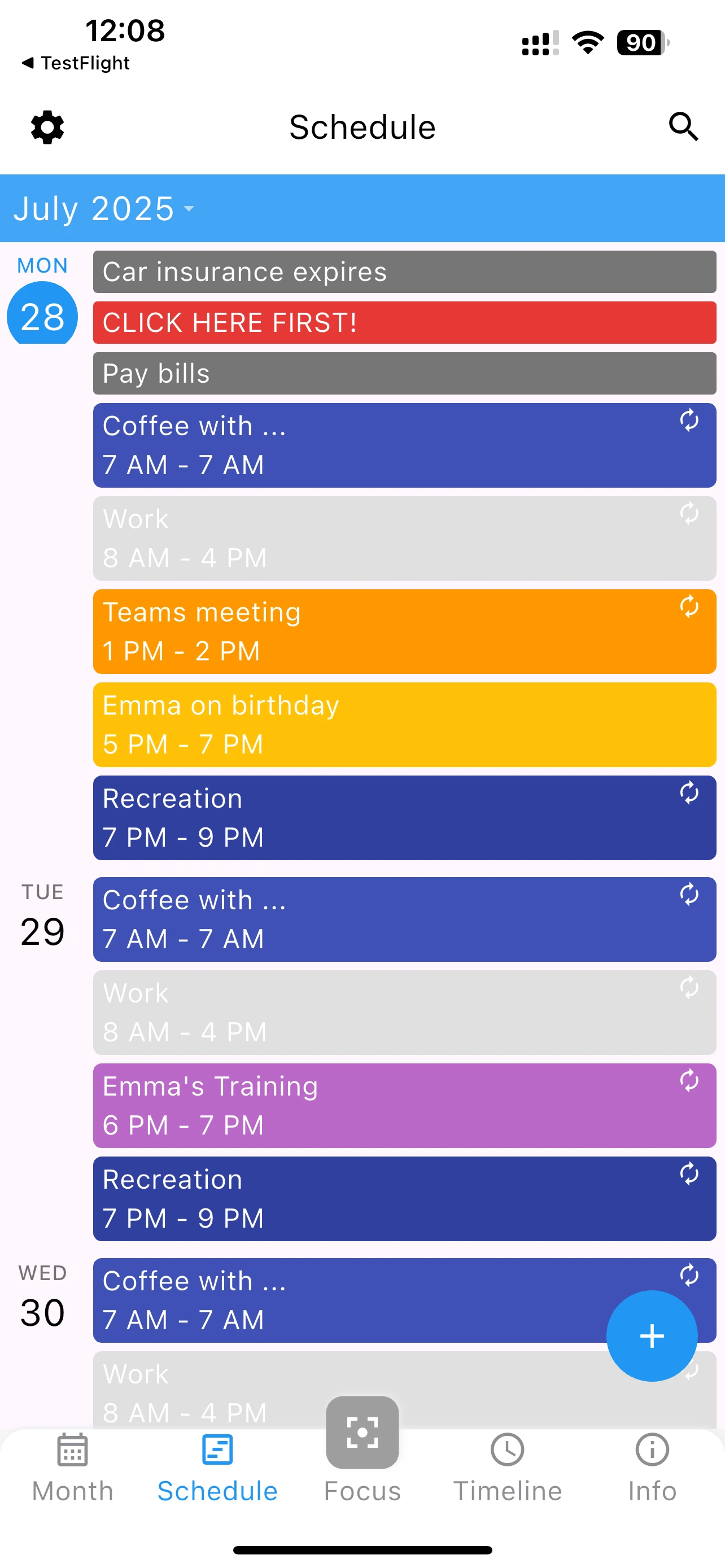
One of the best features of this offline calendar app for iPhone is comprehensive widget support:
Small, medium, and large widgets. See your schedule on iPhone home screen.
iOS 16+ lock screen widgets. Check next event without unlocking iPhone.
Complete tasks directly from widget. No need to open the app.
Yes, 365 Calendar & Tasks works completely without WiFi or cellular data. All features are available offline including creating events, managing tasks, setting reminders, and viewing your schedule.
Absolutely! This offline calendar app is optimized for both iPhone and iPad. The interface adapts to iPad's larger screen for an enhanced experience.
Yes, when you have internet connection, the app can display events from Apple Calendar. However, the app works 100% offline for locally created events and tasks.
Yes, 365 Calendar & Tasks is completely free for iPhone with no in-app purchases, subscriptions, or ads. Unlike Fantastical ($40/year), all features are free forever.
Apple Calendar requires iCloud sync and Apple ID. Our offline calendar works without any Apple account, includes built-in task management, and offers a unified view of events and tasks that Apple Calendar lacks.
Yes, the app offers multiple widget styles and sizes for both home screen and lock screen. You can customize what information displays in each widget.
The app supports iOS 14.0 and above, which includes iPhone 6s and newer. It's optimized to run smoothly even on older iPhone models.
The app itself is under 25MB. Your calendar data stored locally typically uses just 1-5MB depending on how many events and tasks you create.
"Perfect for my iPhone 14 Pro! The widgets are gorgeous and it works flawlessly without internet when I'm traveling internationally." - iOS User
"Finally found an offline calendar for iPhone that doesn't require iCloud. Privacy is important to me." - Privacy-Conscious User
"I was paying $40/year for Fantastical. This free offline calendar has everything I need and actually works better offline." - Former Fantastical User
Join thousands of iPhone users who've switched to offline scheduling