Offline Calendar vs Google Calendar
Complete comparison to help you choose the right calendar


Complete comparison to help you choose the right calendar
| Aspect | Offline Calendar (365) | Google Calendar |
|---|---|---|
| Privacy | Excellent - Local data only | Limited - Google tracks usage |
| Offline Access | Full - Always works offline | Limited - Read-only without internet |
| Cost | Free Forever | Free (limited features) |
| Setup | Instant - No account needed | Requires Google Account |
| Data Security | Completely secure - Your device | Cloud-based - Potential risks |
| Sync Across Devices | Manual export/import | Automatic - Seamless |
| Collaboration | Limited - Export/share only | Excellent - Real-time sharing |
| Features | Core essentials + offline | Extensive + integrations |
| Internet Required | No - Fully offline | Yes - Cloud-dependent |
| Data Collection | None - Privacy focused | Yes - For ad targeting |
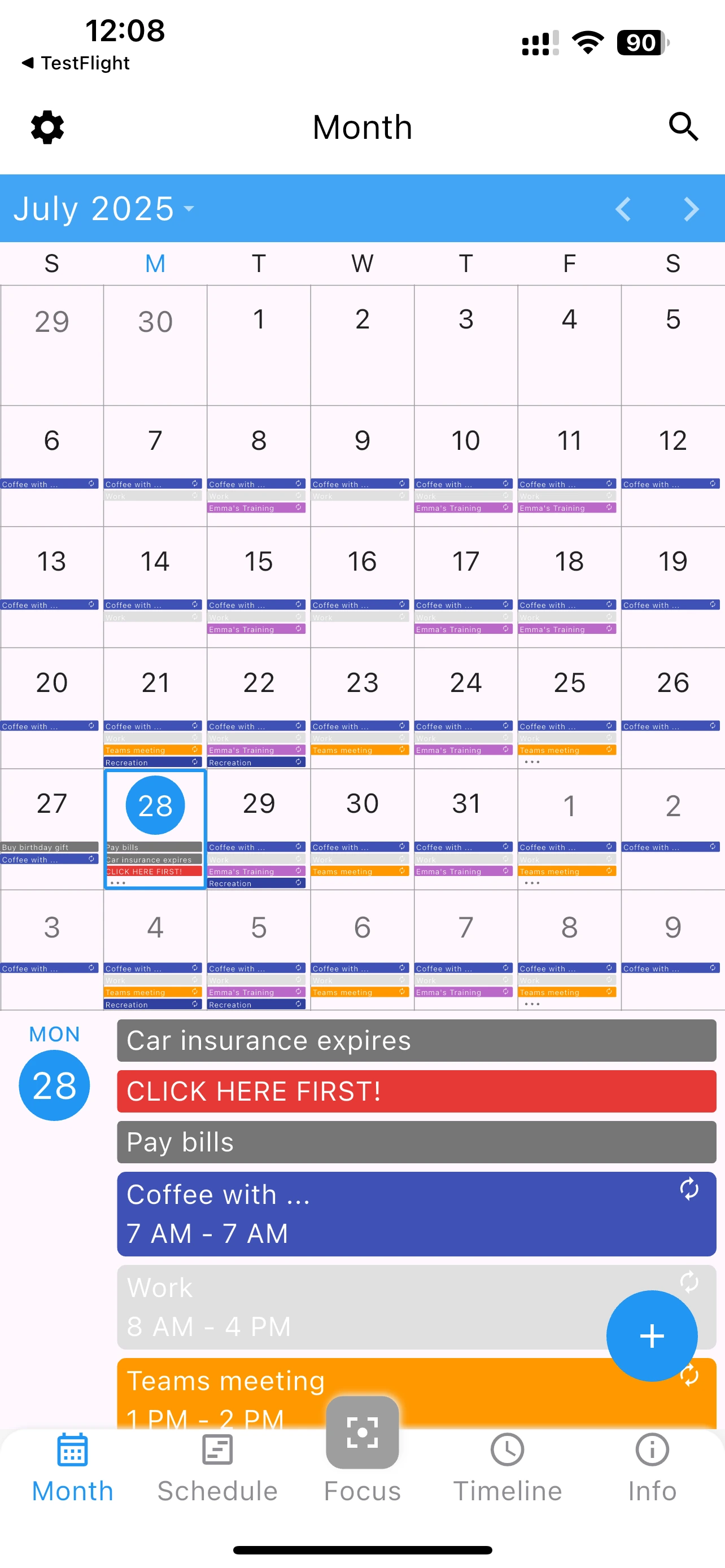
Try 365 Calendar - the offline alternative to Google Calendar
Yes, many users use Google Calendar for work and 365 Calendar for personal privacy. They can coexist on the same device.
Absolutely. Your data stays on your device encrypted. No servers, no cloud access points, no security vulnerabilities.
Yes, export your Google Calendar as .ics file and import it into 365 Calendar. Your events transfer completely.